Love Coupons USA
Softorino discount codes and coupon codes

Softorino Coupon Codes

4.8 (301 ratings)
4 active offers

Active Softorino Coupon & Promo Codes

Get free downloads at Softorino.

Terms and conditions

  • For full Terms & Conditions please see the website.

Get 24/7 customer service at Softorino.

Terms and conditions

  • For full Terms & Conditions please see the website.

Get Memory Optimizer 2 for $4.99 at Softorino.

Terms and conditions

  • For full Terms & Conditions please see the website.

Never miss cashback. Our free Chrome extension alerts you automatically at every partner store.

Add to Chrome – It's Free

Sign Up To The Newsletter For Special Offers and Promotions.

How do I use my Softorino coupon code

  • Copy a code from Love Coupons and follow the link to the Softorino website
  • Here you can begin shopping and add any products you want to your bag
  • Once you’re finished you can checkout
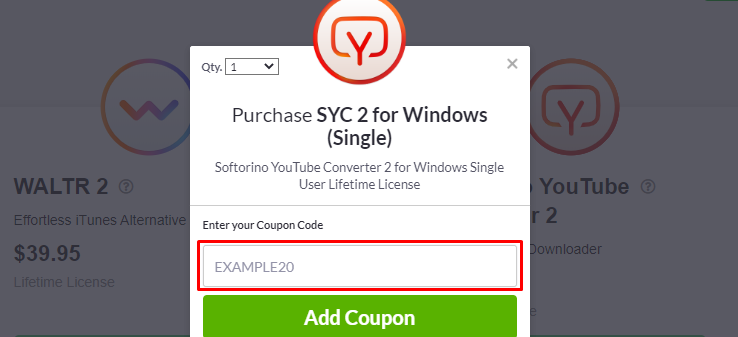
  • You’ll then be taken to the shopping bag page where you can paste your code to apply the discount
  • Add your Promo/Voucher/Coupon Code to the box labelled "Coupon Code" and click ‘Apply’
  • You can then ‘checkout’ and continue with the payment process
How do I use my Softorino coupon code?

Softorino money saving hints and tips

Here are some great tips & tricks for extra savings at Softorino:

  • Always visit and check Love Coupons for the latest money-saving discount codes and deals at Softorino before you finish your purchase
  • Join the Softorino newsletter to get the best offers, money-saving promotions and exclusive deals sent straight to your inbox
  • Be sure to check out the sale offers and discount section on the Softorino website for the latest promotions and discount offers
  • Follow Softorino on social media to stay updated with their new arrivals and offers.
  • Sign up to Love Coupons newsletter for our latest weekly offers for brands like Softorino and many more.

Softorino FAQs

What is the payment method?

Softorino accepts all the major of Cards and PayPal.

Can I transfer playlists with WALTR?

In the current release, WALTR 2 does not support playlists. If you drop multiple tracks into WALTR, they will be sorted by album. However, you can create smart playlists in iTunes, for instance, if you want to add all newly transferred songs to ‘Recently added’ playlist.

What does Softorino YouTube Converter do?

Softorino Youtube Converter 2 is developed for the specific purpose of downloading Youtube videos & audio to watch them or listen offline on your iPhone, iPad, iPod or computer.

Is there an easier alternative?

Sure, If you are using a Mac computer, then good news – a workaround is built into macOS. To convert HEIC into Jpeg natively, create an Automator workflow and in the Photos category – select ‘Change type of images’. As a result, there’s no app needed. If you’re on Windows, you are stuck with using an external converter, such as WALTR HEIC Converter.

What’s HEIF? And why would you use it instead of JPEG?

In short – HEIF is a more compact and better format than JPG. HEIF (a.k.a High-Efficiency Image File Format) — is the still-image version of the HEVC (a video format in H.265). The beauty of HEIF is that when saved – they take up half the size of JPG images + in better quality. As a result, you can save 2x more photos on your device before you’re out of space. This is made possible because the technology evolved and it’s now more powerful. Compression of images is far more advanced than what it was back in 1992 when JPEG was created.

Since HEIF makes Live Photos easy, Can it replace GIF?

Yes – Since HEIF is ideal for Live Photos created using your iPhone, it can easily replace GIF. The advantage is that HEIF is not just a file format. It’s actually a container for files (kind of like MKV for videos). For example, a JPG photo is a single frame whereas a HEIF can hold a sequence of photos.

And best of all – HEIF supports colours up to 16-bit (jpeg only supports 8-bit colour).

More discount codes like Softorino